Clear recording
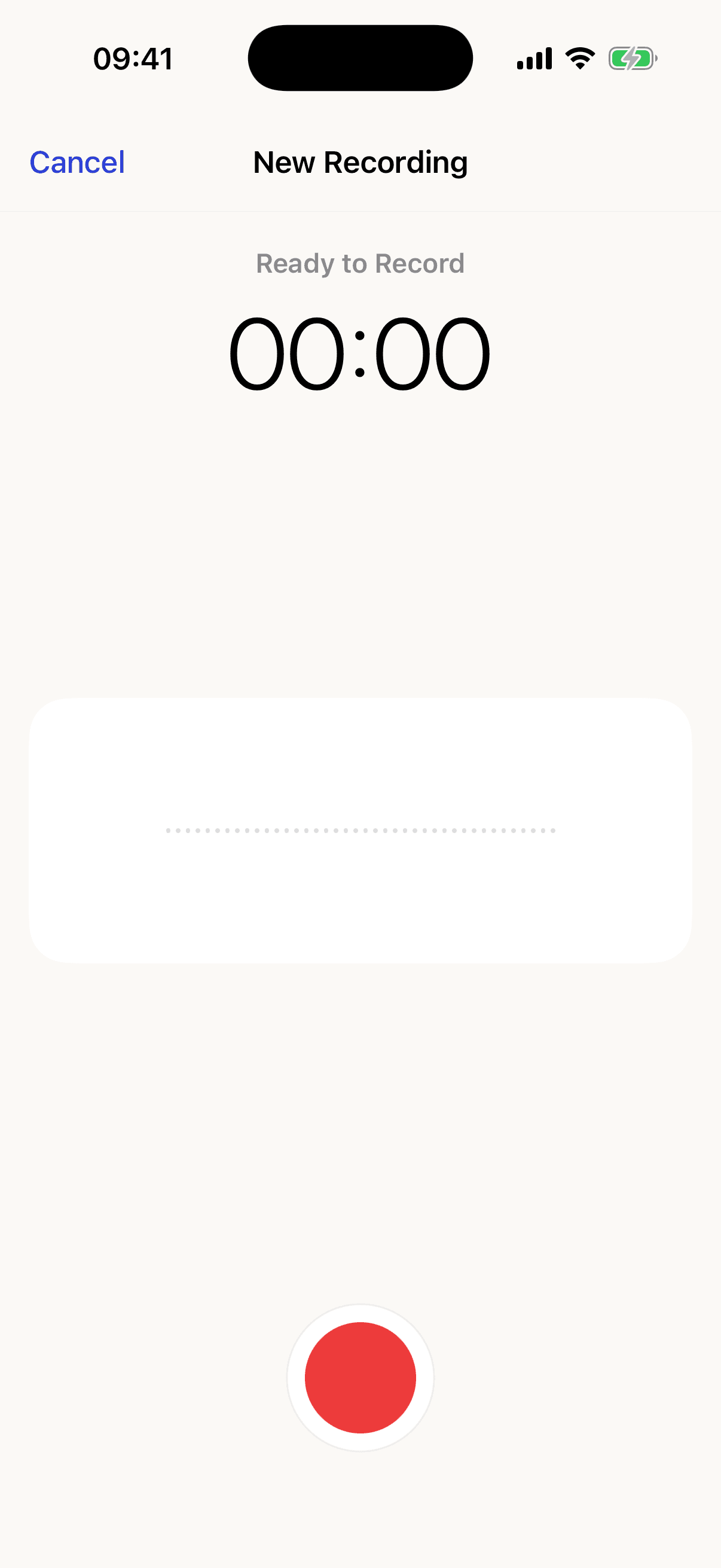
A live waveform confirms that recording is active while you tell the whole story in your voice.
Made for family voices
Eliozz helps parents record stories in their own voice, organise multiple audio files in albums, and play them anytime on iPhone or iPad. Your content stays on your device by default.
 Eliozz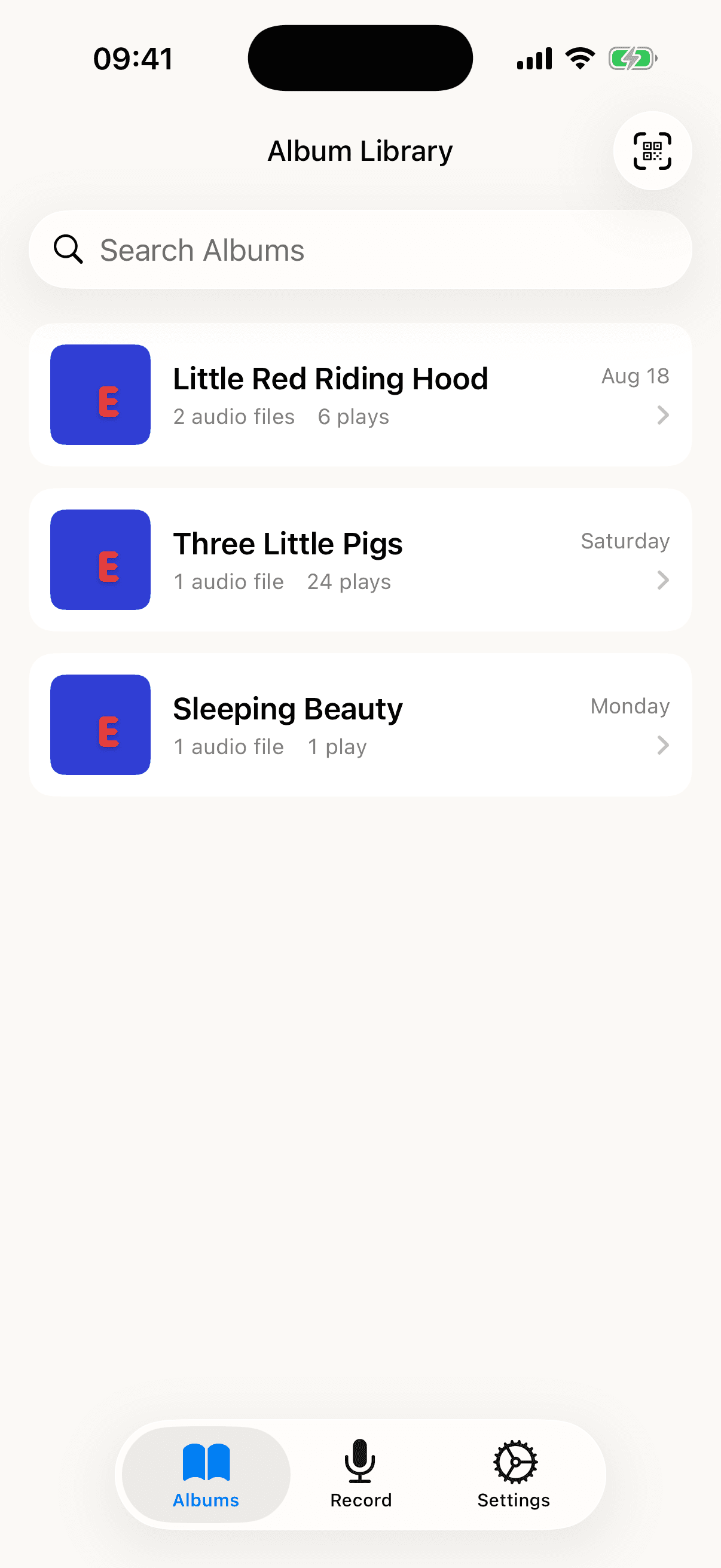
Simple, with room for every voice
Built around real family routines: easy to record, clear to organise, and dependable to play.
A live waveform confirms that recording is active while you tell the whole story in your voice.
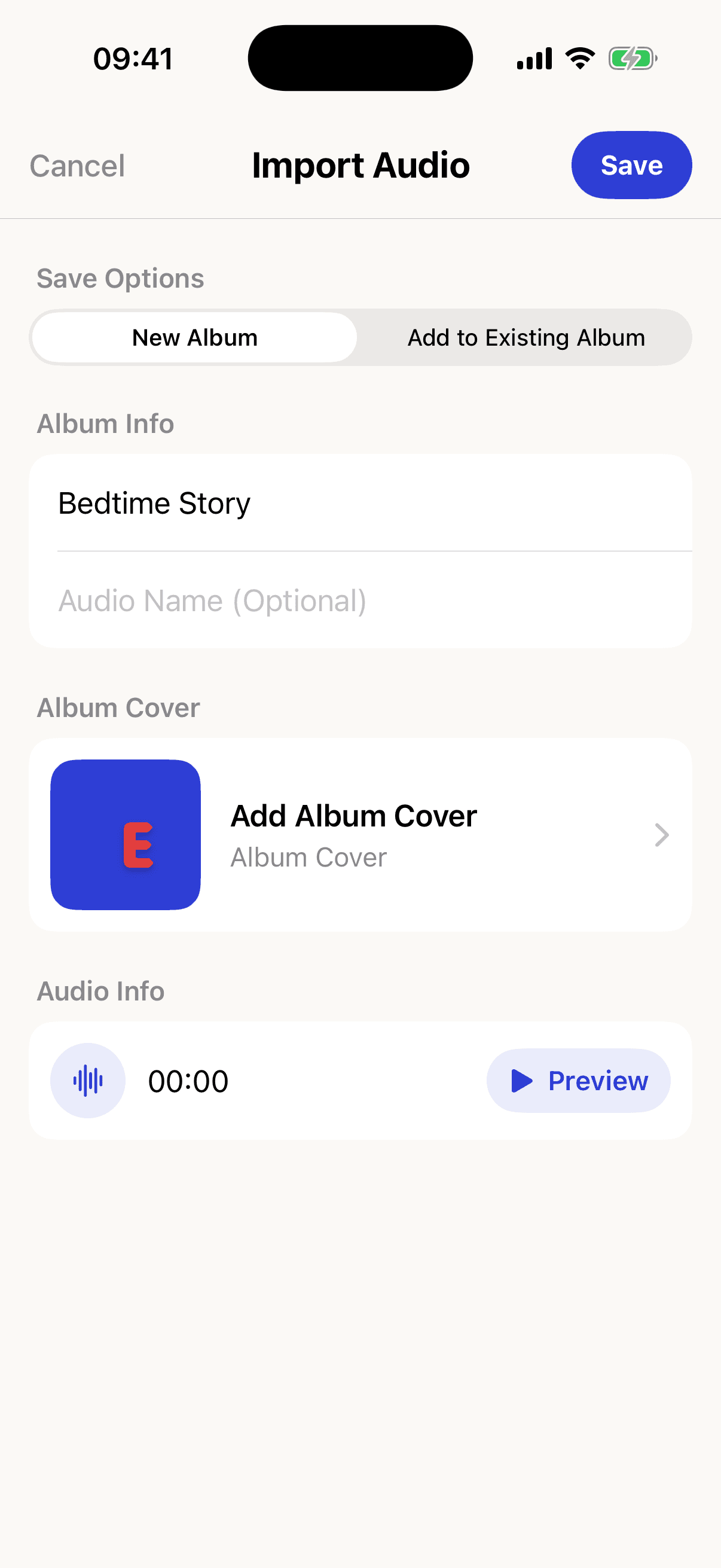
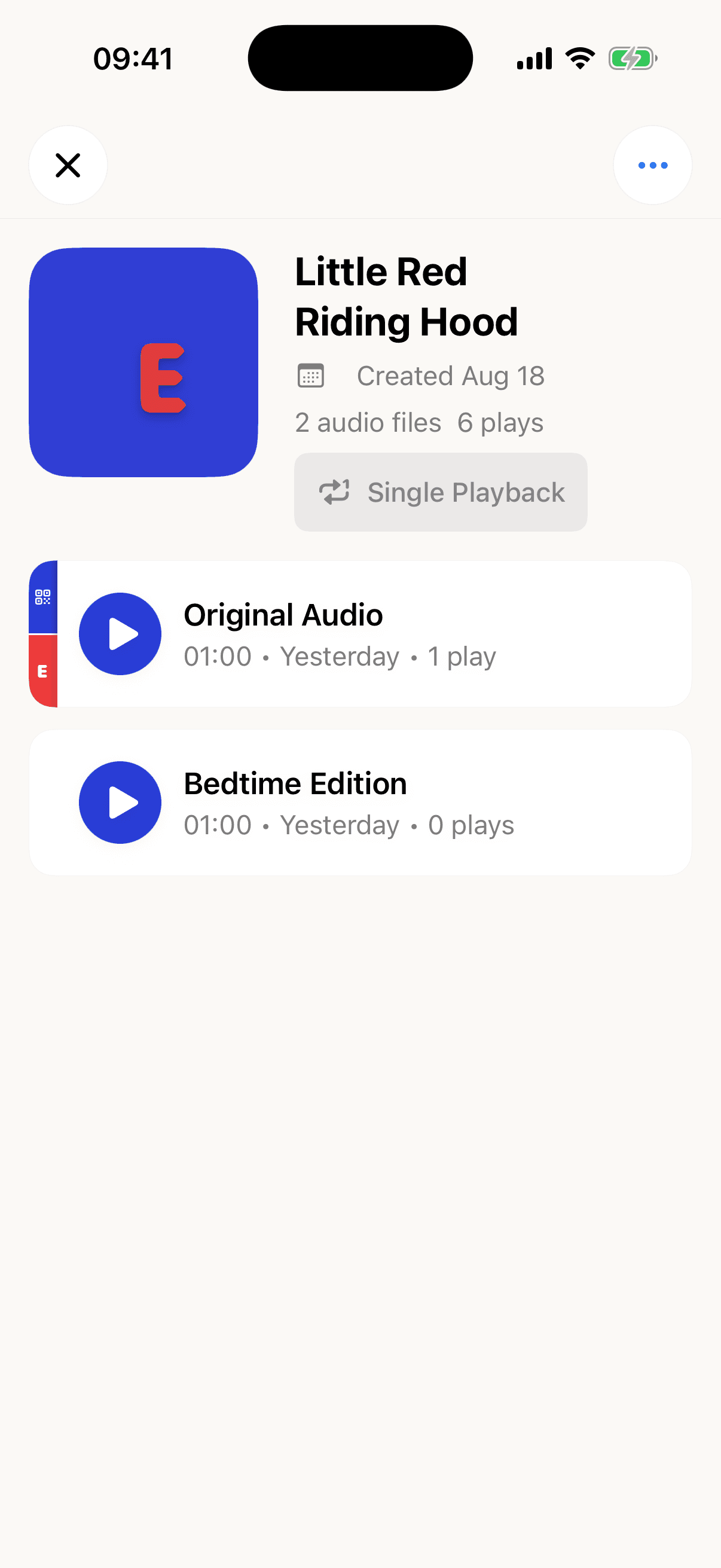
Keep different languages, characters, or family voices together in one album.
Choose a photo or image for an album; Eliozz uses its app icon when no cover is set.
Content stays on-device by default. A one-time purchase can sync it privately through your own iCloud.
Bring in supported audio, then export a backup or share it to an app you choose.
Keep listening with the screen locked or another app open, using the system controls.
Familiar, clear, and close at hand
From creating an album and choosing its cover to managing each audio file, Eliozz stays calm and intuitive.
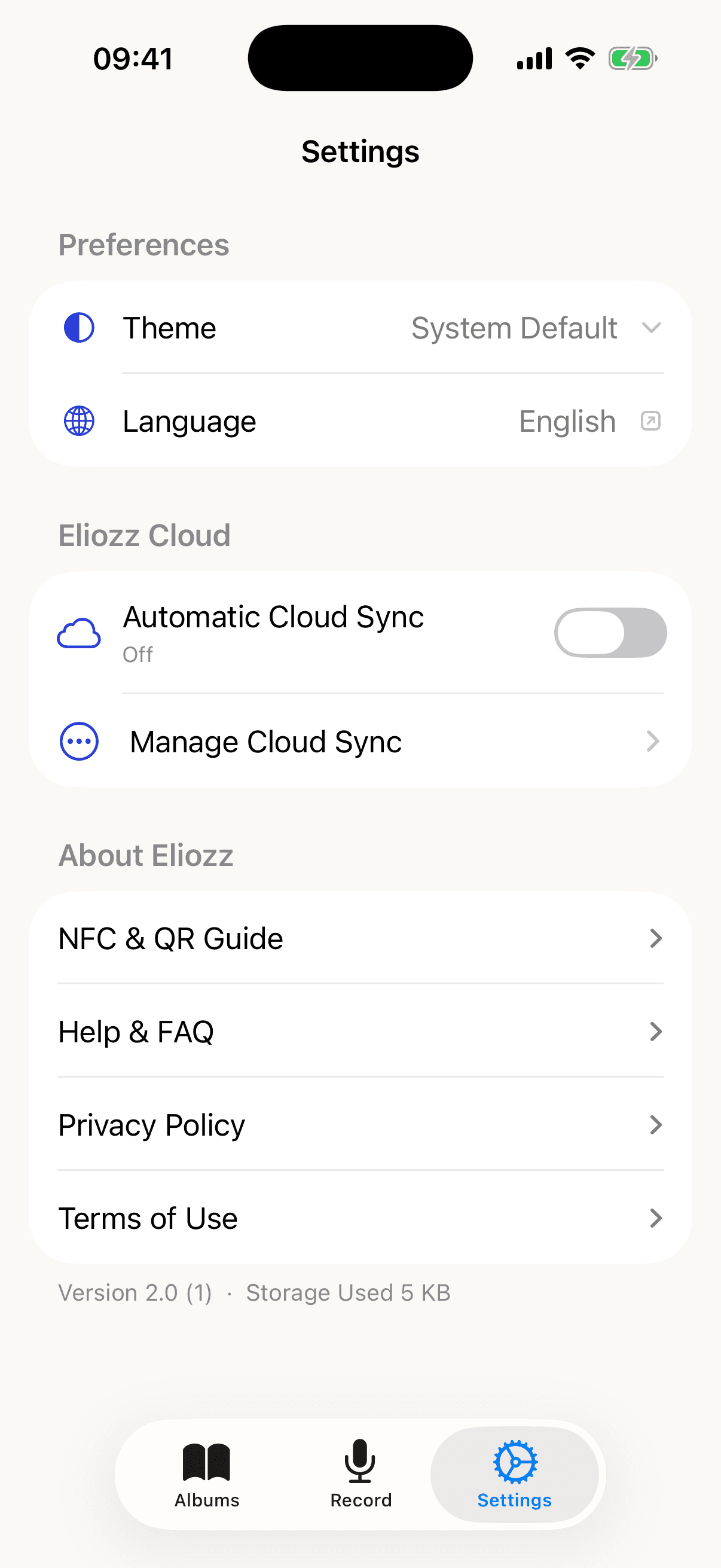
Website screenshots show the current interface on iOS 16+. iOS 15 uses a compatible interface with the same core local features and a layout suited to older systems.
Eliozz NFC + QR
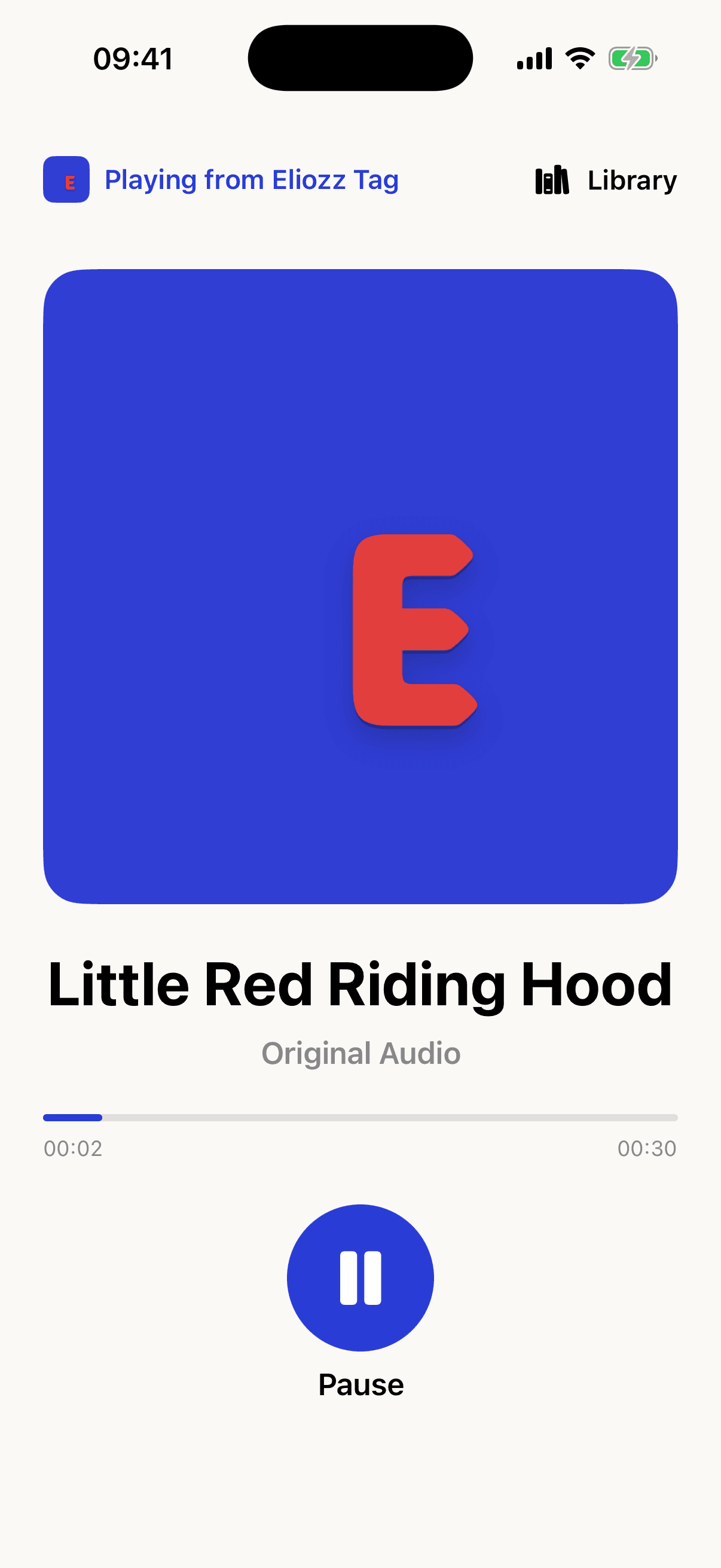
Each audio can have one official signed e Tag and one independent Eliozz QR code. A touch or in-app scan opens the dedicated player for the same bound audio.
01
In album details, swipe an audio row right and choose QR or NFC binding.
02
Center a QR code in the app, or hold a supported iPhone near an official e Tag.
03
Scan in Library or use the Home Screen shortcut; for NFC, touch the e Tag and tap the iOS notification.
An official e Tag contains a UID-bound signed address; free QR contains a random address. Neither stores a recording, title, or personal information. Bindings stay local unless you enable private iCloud sync.
Eliozz Cloud Sync
When enabled, Eliozz syncs through the CloudKit private database connected to your iCloud account. It is not an iCloud Drive folder, so no Eliozz folder appears in the Files app.
Read the Cloud Sync FAQsIt is not a subscription and does not renew. No extra iCloud storage is included.
Albums, audio, album covers, ordering and playback details, plus NFC and QR bindings sync together.
Restore the purchase with the same App Store account; access the same content with the same iCloud account.
Turning sync off does not move or delete this device’s files. Eliozz checks local content before cloud-copy deletion.
Only content that finished uploading can be restored on another device. Before deleting the app or erasing a device, confirm that the latest sync completed.
Your family’s content stays yours
Eliozz starts with local storage. You decide what to record, keep, export, and whether to purchase and enable Cloud Sync.
The app needs no name, email, login, or child profile.
There is no advertising SDK or ad profile based on stories or listening habits.
A one-time purchase syncs audio, album covers, album details, and NFC and QR bindings through your private iCloud.

Download Eliozz free on iPhone or iPad. Core local features support iOS 15 or later; availability varies by device and system version.